
What SAM works with
7 coding agents, 7 cloud providers plus Cloudflare Containers, GitHub and GitLab, and the triggers and tools around them. All of it runs on a SAM installation you deploy to your own Cloudflare account.
Which agents can my team run?
Seven agents. Each user connects their own accounts, and a profile picks the agent and model for a chat or task.
 Claude Code API key, Claude subscription, or the installation AI proxy
 OpenAI Codex API key, ChatGPT subscription, or the installation AI proxy
 Gemini CLI Google's terminal agent with a Gemini API key
 Google Antigravity Google's Antigravity agent with Gemini models
 Mistral Vibe Mistral's coding agent with a Mistral API key
 OpenCode OpenCode Zen, OpenCode Go, or any OpenAI-compatible endpoint
 Amp Amp's managed coding agent with an Amp API key
| Agent | Your API key | Subscription sign-in | Installation AI proxy | Custom endpoint |
|---|---|---|---|---|
| Claude Code | Anthropic | Claude Pro / Max | Yes | Anthropic-compatible |
| OpenAI Codex | OpenAI | ChatGPT | Yes | OpenAI-compatible |
| Gemini CLI | Gemini | No | No | No |
| Google Antigravity | Gemini | No | No | No |
| Mistral Vibe | Mistral | No | No | No |
| OpenCode | OpenCode Zen / Go | No | No | OpenAI-compatible |
| Amp | Amp | No | No | No |
Whose machines do the agents use?
Cloud VMs in an account connected to your installation, or Instant sessions on Cloudflare Containers.
 Hetzner Cloud Low-cost VMs in Germany, Finland and the US
 Scaleway VMs in Paris, Amsterdam and Warsaw
 Infomaniak Public Cloud Swiss OpenStack cloud in Geneva
 Vultr Nine locations across Europe, North America, Asia and Australia
 DigitalOcean Droplets in ten regions across four continents
 UpCloud Ten locations in Europe, the US, Singapore and Sydney
 Google Cloud Compute Engine with keyless sign-in
| Provider | Locations | Persistent volumes | Credential |
|---|---|---|---|
| Hetzner Cloud | 5 · DE, FI, US | Yes | API token |
| Scaleway | 8 · FR, NL, PL | Yes | API key |
| Infomaniak Public Cloud | 2 · CH | Yes | Application credential |
| Vultr | 9 · EU, NA, Asia, AU | Yes | API key |
| DigitalOcean | 10 · EU, NA, Asia, AU | Yes | Access token |
| UpCloud | 10 · EU, US, SG, AU | Yes | API subaccount |
| Google Cloud | 8 zones · US, EU, Asia | No | Google sign-in (WIF) or key |
SAM uses a project's cloud account first, then the user's, then one the installation administrator connected. Without any of them, work can still run on Cloudflare Containers.
Who pays for the model calls?
Your own API keys and subscriptions by default. Optional ways to centralize or redirect model traffic.
 Cloudflare Workers AI Built-in models for SAM features and for your agents Installation AI proxy Claude Code and Codex can use a proxy your administrator runs through Cloudflare AI Gateway, with per-user budgets and model tiers. Opt-in. Compatible providers OpenRouter, Groq, DeepSeek, Cohere and other OpenAI- or Anthropic-compatible APIs as an agent's backend.
Where does the code live?
GitHub.com through a GitHub App, or GitLab.com and self-managed GitLab.


Can work start without someone typing?
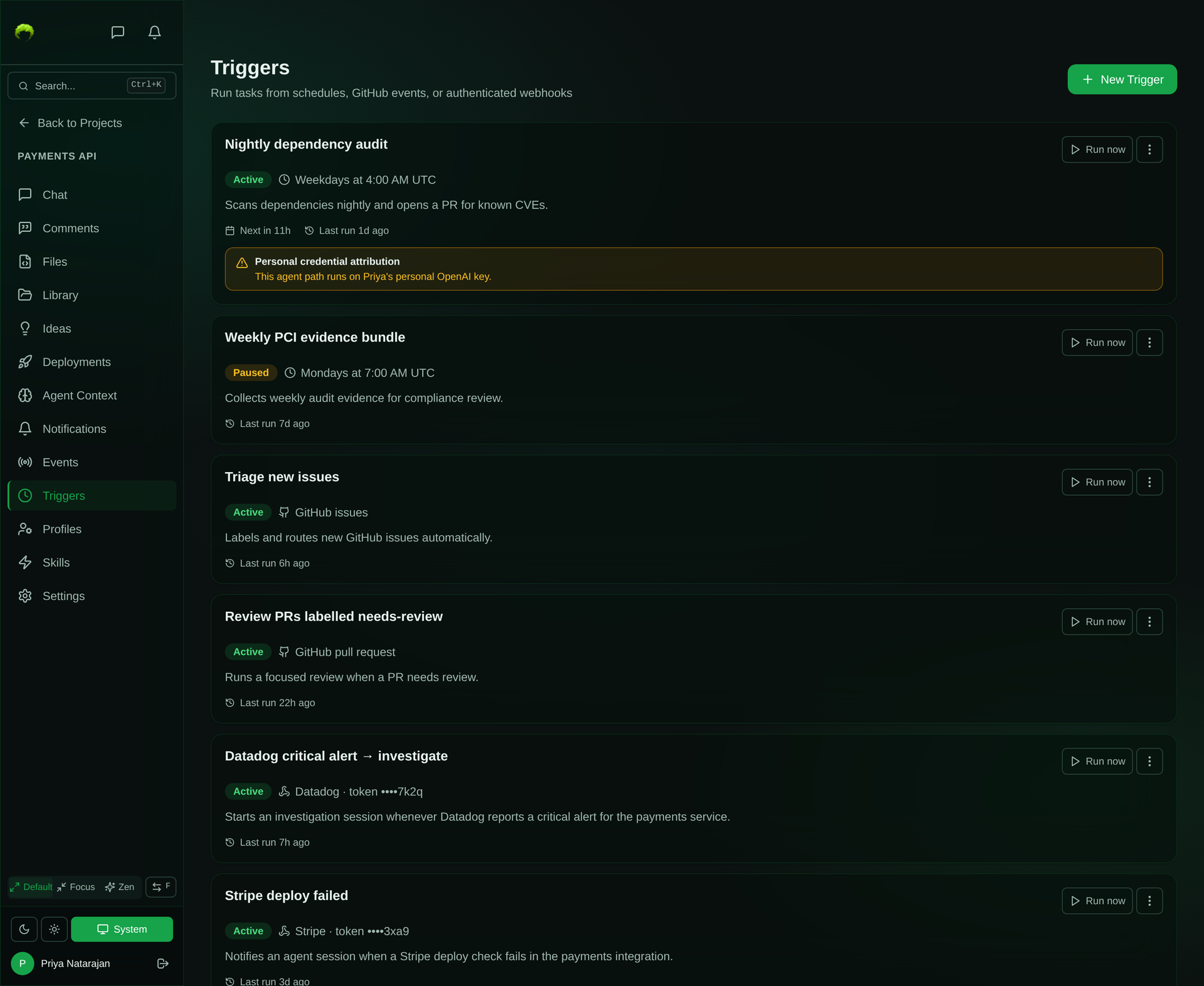
Saved profiles can run from schedules, repository events, webhooks and email.
How does SAM fit with the tools we already use?
Use SAM from AI apps, give agents more tools, and avoid storing long-lived keys.
Get your coding agents off your laptop
SAM is open source. Deploy it to your Cloudflare account and connect your agent. Add a cloud provider when you want full environments on your own servers.