

OpenCode
OpenCode Zen, OpenCode Go, or any OpenAI-compatible endpoint
SST's open-source coding agent. SAM installs a pinned, digest-checked build and runs it against OpenCode Zen, OpenCode Go, or an OpenAI-compatible endpoint you supply, such as a model server you host yourself.
What you get
Three inference options
OpenCode Zen (the default), OpenCode Go, or a custom OpenAI-compatible endpoint with your own base URL and key.
Live model lists
SAM loads the Zen and Go model lists from Models.dev, with a built-in list if that catalog is unavailable.
Open source end to end
OpenCode is open source, and so is SAM. Your security team can read both.
Pinned, verified build
SAM installs a specific OpenCode release with a SHA-256 check, on glibc and musl images.
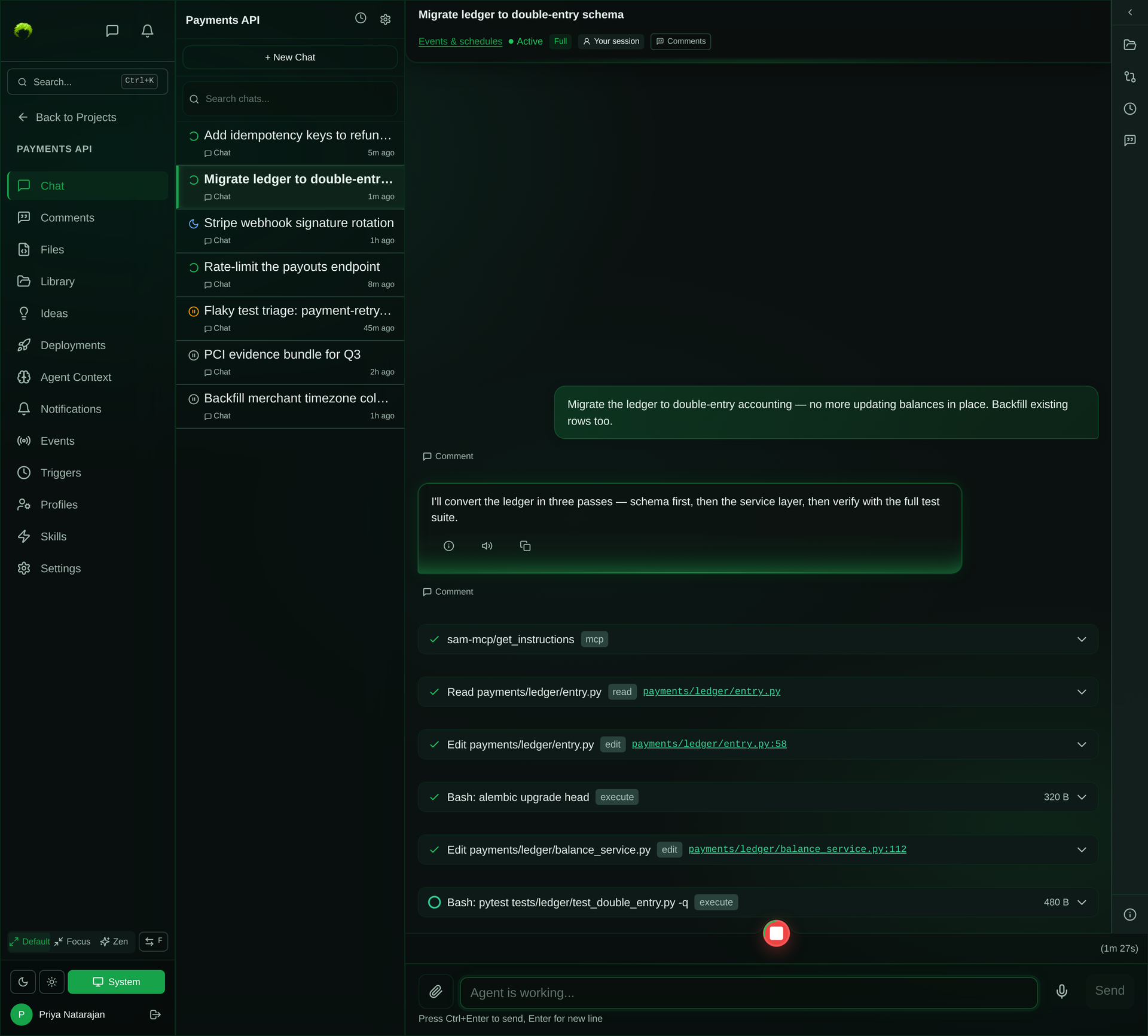
Set it up in 3 steps
-
Choose an inference provider
In Settings → Agents, pick OpenCode Zen, OpenCode Go, or Custom and enter its key (and base URL for Custom).
-
Pick a profile
Choose OpenCode and a model in an agent profile.
-
Start a chat or task
SAM places the work on a machine and starts OpenCode in your devcontainer.
Good for
Self-hosted models
Point the custom provider at a model server your machines can reach for a setup where prompts never reach a model vendor.
Trying open models
Switch between models on OpenCode Zen and Go without changing your workflow.
Questions
Which inference providers can I use?
OpenCode Zen, OpenCode Go, and any OpenAI-compatible endpoint. Zen and Go use an OpenCode API key.
Is OpenCode the same as OpenAI Codex?
No. OpenCode is a separate open-source project from SST.
Can I use my own fine-tuned model?
Yes, if it is served behind an OpenAI-compatible API. Choose Custom and enter the base URL.



Get your coding agents off your laptop
SAM is open source. Deploy it to your Cloudflare account and connect your agent. Add a cloud provider when you want full environments on your own servers.