

Amp
Amp's managed coding agent with an Amp API key
Amp is a coding agent that picks its own models and bills through Amp credits. Add an Amp API key and SAM runs it in your workspace like any other agent.
What you get
Managed models
Amp chooses and routes models itself, so there is no model to pick in the profile.
API key sign-in
Add a key from your Amp settings. Amp may require paid credits.
Same workflow as other agents
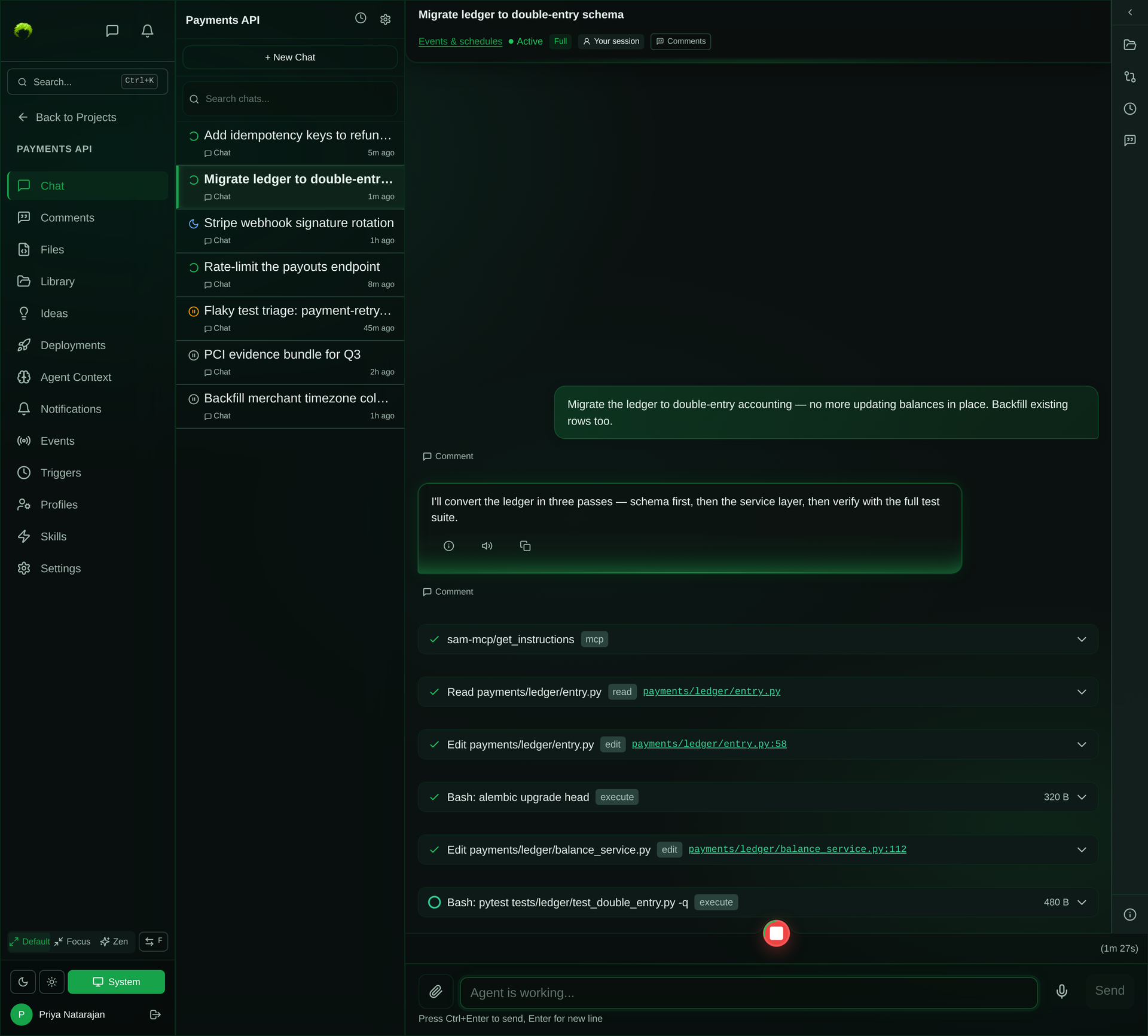
Project chat, profiles, triggers and pull requests work the same way for Amp.
Set it up in 3 steps
-
Add your API key
Paste an Amp API key in Settings → Agents.
-
Pick a profile
Choose Amp in an agent profile.
-
Start a chat or task
SAM places the work on a machine and starts Amp in your devcontainer.
Good for
Teams already on Amp
Keep Amp as your agent while moving its sessions onto your own machines.
Comparing agents
Run Amp alongside Claude Code or Codex on the same project.
Questions
Can I choose Amp's model?
No. Amp manages model selection itself.
Does Amp support subscription sign-in in SAM?
No. SAM signs Amp in with an Amp API key.
Where does Amp run?
On a cloud VM, inside your repository's devcontainer, using a cloud account connected to your SAM installation. A profile can choose an Instant session on Cloudflare Containers instead, which needs no cloud account but does not use your devcontainer.



Get your coding agents off your laptop
SAM is open source. Deploy it to your Cloudflare account and connect your agent. Add a cloud provider when you want full environments on your own servers.