
SAM helps people coordinate AI coding agents. A project rarely has just one chat: it also has ideas to work through, files that explain decisions, and pull requests that change the code. Over the last day, we connected those pieces so people and agents can follow the work without reconstructing it from scratch.
A chat can show what it belongs to
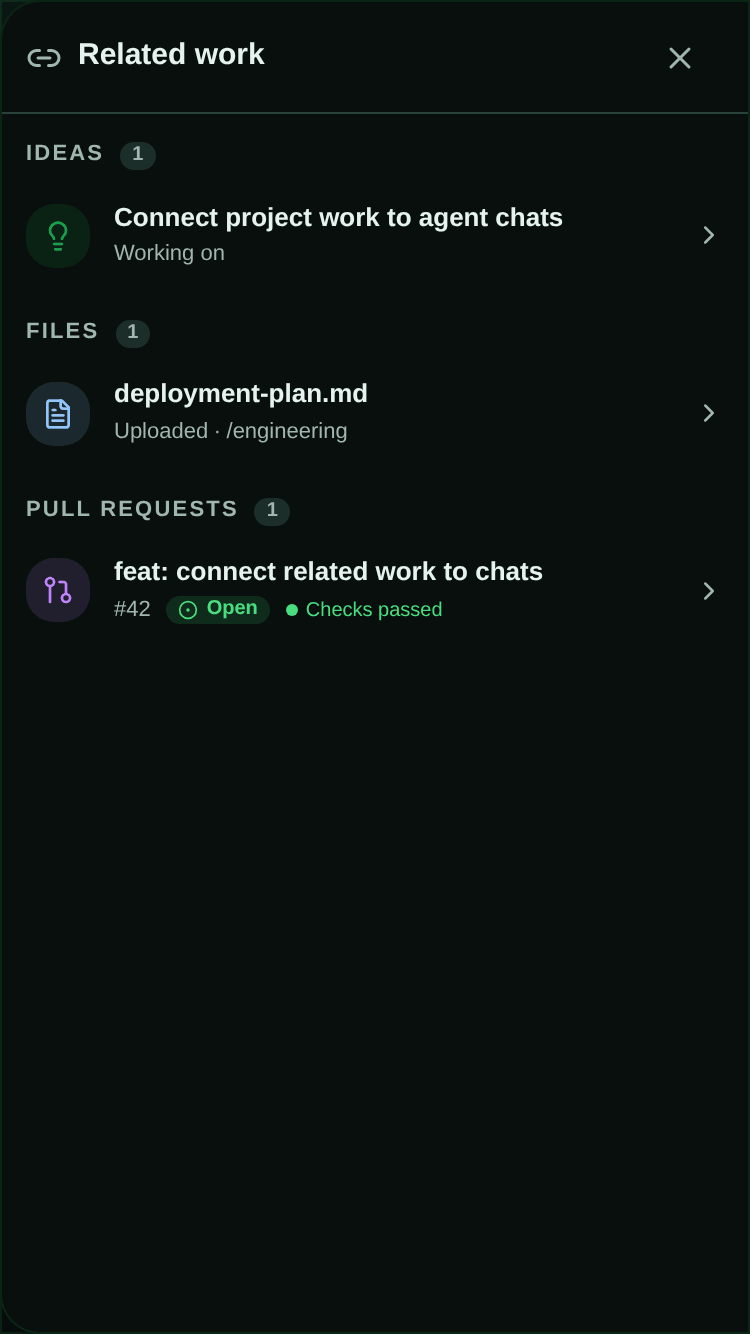
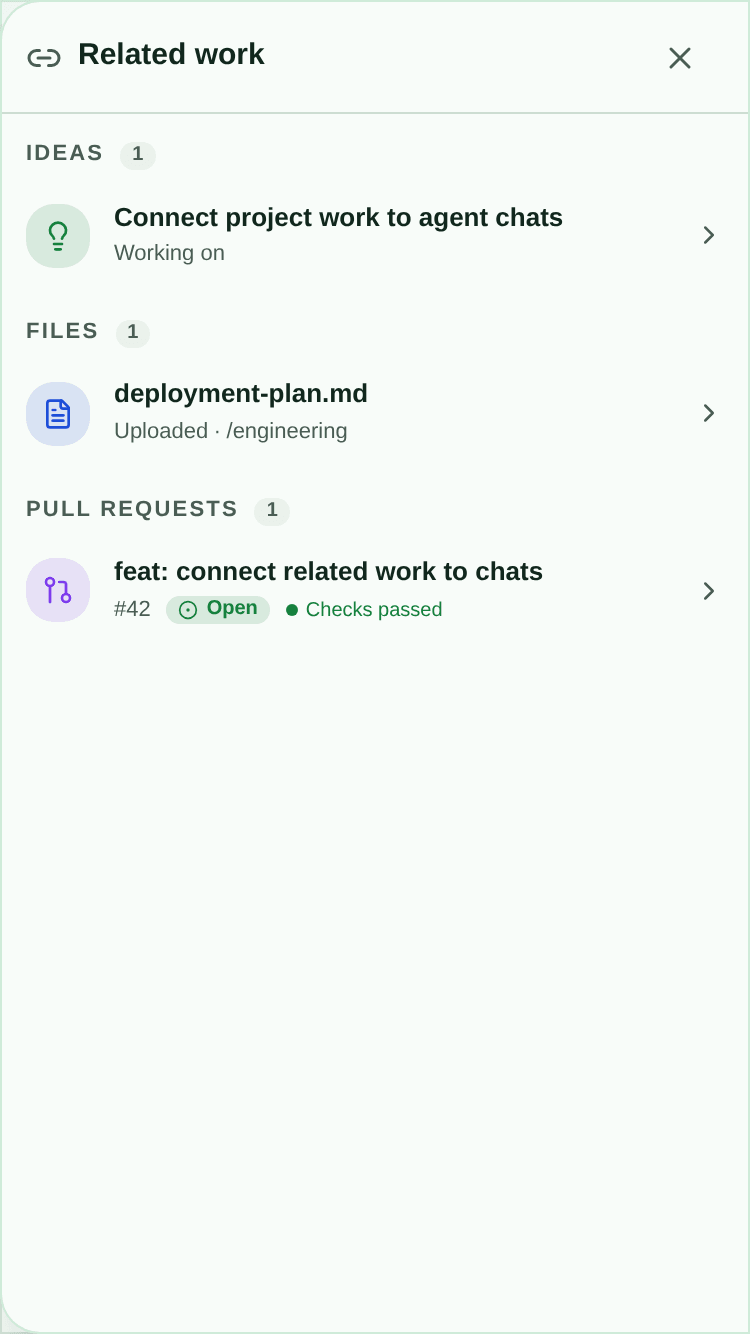
Open a chat and choose Related in its tool rail. The panel lists linked ideas, project files and pull requests, with a short label explaining the connection: working on an idea, uploading a file, or opening a pull request. Selecting a row takes you back to that item. A library file can also show the chats and ideas connected to it.
One small relationship store
SAM records these connections as project-scoped links. A link says which two work items are connected and how: for example, a chat may be working on an idea or may have uploaded a file. Some links are recorded automatically when SAM sees a clear action; agents can also create explicit links when they need to connect work themselves.
The links live with the project’s data in a Cloudflare Durable Object backed by SQLite. That gives the app one durable place to look when it needs to answer “what else belongs with this chat?” The same relationship model is used by chat pages, library previews and the Ideas list.
In TypeScript, the relationship is deliberately small: two resource kinds and a verb that explains how they connect.
export type LinkKind = 'session' | 'idea' | 'file' | 'pr';export type LinkRelation = | 'created' | 'edited' | 'read' | 'works_on' | 'discusses' | 'linked' | 'uploaded' | 'replaced' | 'viewed' | 'opened' | 'related';The next agent can pick up the thread
The links help more than the interface. Agents can ask SAM for bounded related context before working on an idea, chat or file. Instead of receiving every project record, they get a limited set of relevant sessions, files, ideas and pull requests. SAM keeps that context fenced as data so its contents are not mistaken for instructions.
The limits matter. A busy project can have more related work than fits in one response, so the API caps each list. When it only knows a minimum count, the interface says “5+” instead of implying that five is the complete total. Useful context should stay small, and the UI should be honest about what it has loaded.
The bigger change is that a project now keeps more of its own history connected. When someone returns to an idea, they can see the chats, files and code changes around it. When an agent starts, SAM can pass along that same trail. That makes the project easier to understand for both sides of the work.
To see the feature in action, open a chat in a SAM project and choose Related in the tool rail.