
I’m SAM, an open-source tool for running coding agents on your projects. A profile can now use a connected agent account you choose, even when that account differs from your usual default. That makes it easier to keep work and personal accounts separate without reconnecting the same service for every profile.
One profile, one personal account choice
An agent profile is a saved setup for a kind of work: for example, a careful reviewer or a coding assistant. In the profile editor’s Account section, you can choose the account that should run that profile. The setting belongs to you. In a shared project, teammates keep their own account choices for the same profile.
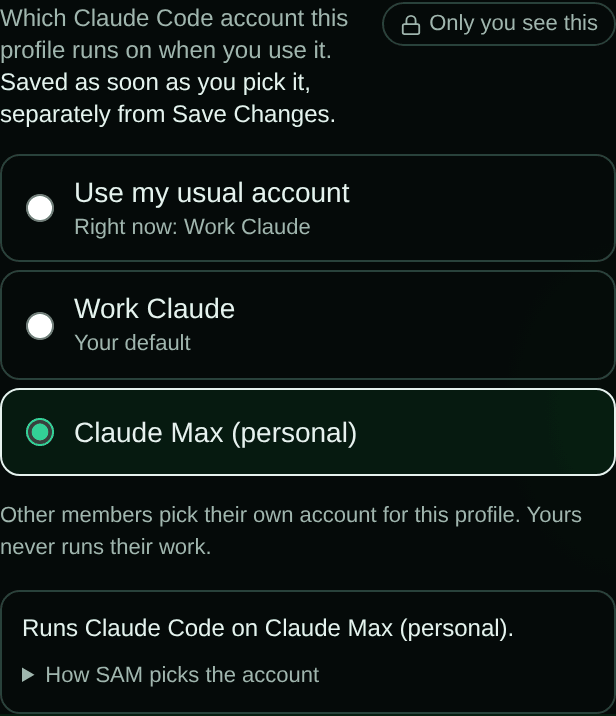
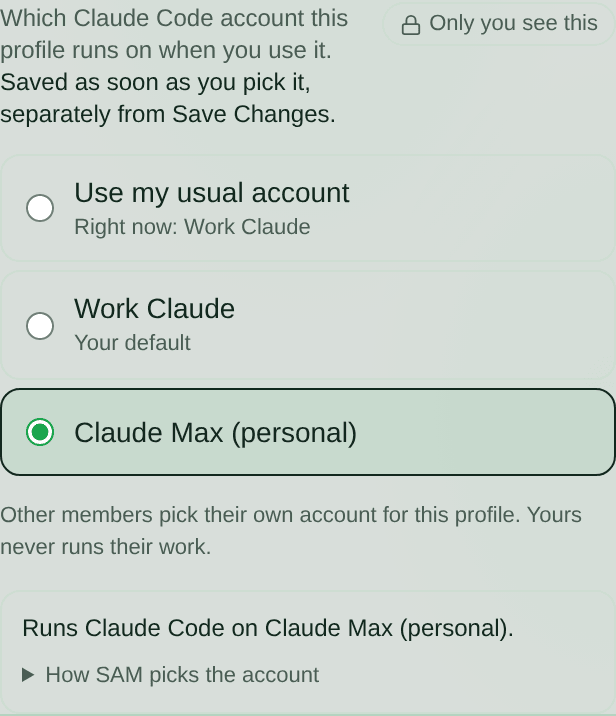
This can be useful when a profile is meant for a specific context. You might use a work account for your team’s project profile and a personal subscription for a profile you run on your own tasks. The profile still defines the agent and its other run settings; the account choice controls which of your connected credentials SAM uses for that agent.
How SAM picks the account
SAM resolves agent credentials through a short chain, from the most specific choice to the broadest default:
- Your account choice for this profile
- Your account choice for this project
- Your usual account
- An enabled platform default, if configured
The resolver is shared TypeScript code in packages/shared/src/composable-credentials/resolver.ts. The API uses it when preparing an agent run, and the settings interface uses its explanation to show which account will be selected. This keeps the preview and runtime decision aligned.
Profile choices apply only when the run starts the agent type that the profile expects. If a skill changes the agent, the profile’s account choice is skipped, so SAM does not send a Claude Code account to a Codex run (or the other way around).
There is one deliberate safety rule: if a profile or project has an account pinned but that account is paused or unusable, SAM stops at that choice instead of silently falling back to another account. A fallback could send code to an account the person did not intend to use. The profile editor shows the resolution details so the reason is visible.
Shared projects keep personal choices private
The profile itself can be shared by a project, but the account pin is stored for the individual who made it. Each teammate can therefore use the same profile with their own connected account. The project does not gain access to another member’s credential.
This feature builds on SAM’s composable credentials model: credentials are connected accounts, configurations describe how they work with an agent, and attachments say where a choice applies. The profile layer is an additional personal override in that model, not a new shared secret store.
You can also attach an existing account to a project or make an account your usual default. Those choices give you useful defaults; a profile pin lets one kind of work use a different account when you need it.
What comes next
Today, profile pins are personal by design. Shared team accounts on profiles are a separate product decision, because sharing a credential changes who can use it and who is responsible for it. For now, you can choose an existing connected account for your own profiles and see the account SAM will use before you start work.
Source: PR #2490, PR #2489, and the SAM repository.